Quick facts
- Install from the browser in under a minute, then book a ride in the BlackSprinters.com booker with one tap.
- iPhone and iPad: Safari, Share, Add to Home Screen.
- Android: Chrome menu, Install app or Add to Home screen.
- Windows, Mac and Chromebook: the install icon in Chrome or Microsoft Edge.
- Pages you have opened are saved for offline reading; the booker itself needs a connection.
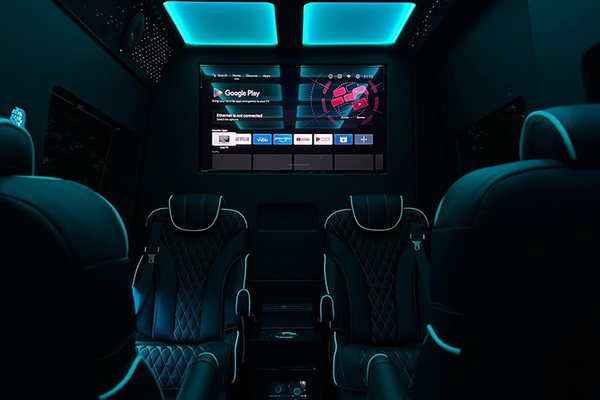
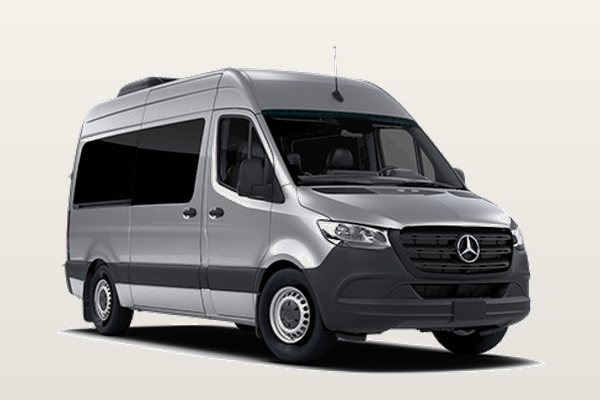
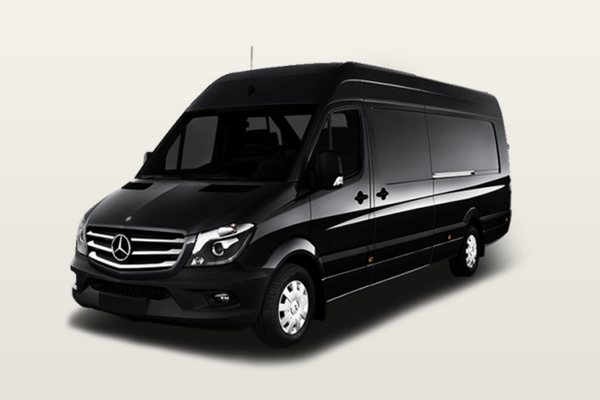
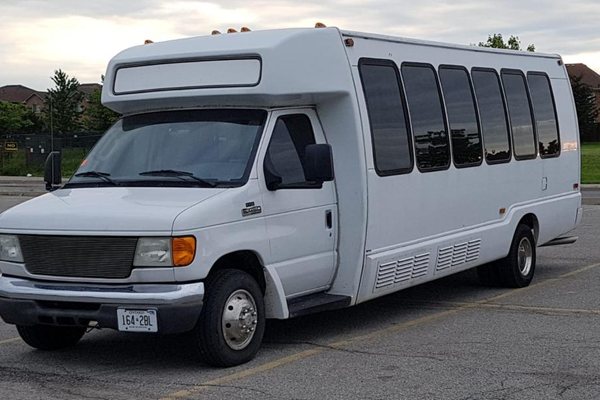
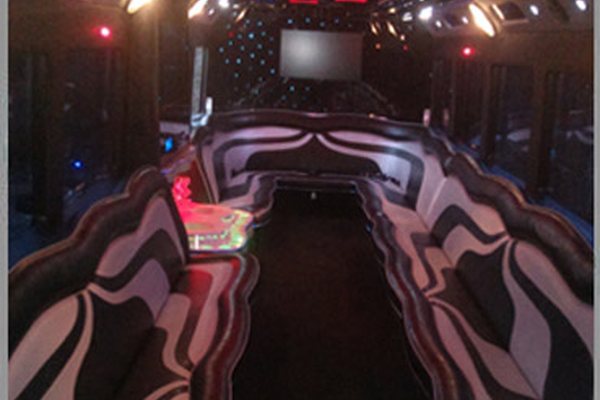
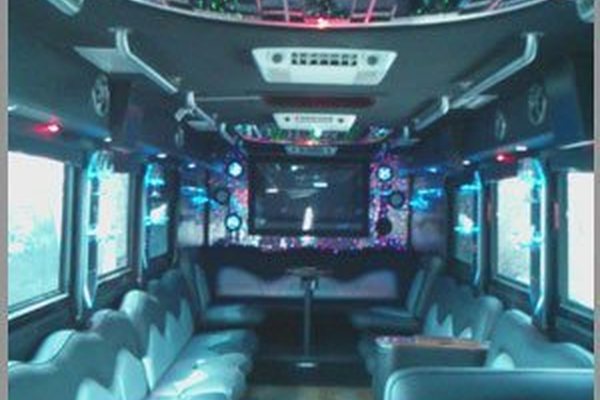
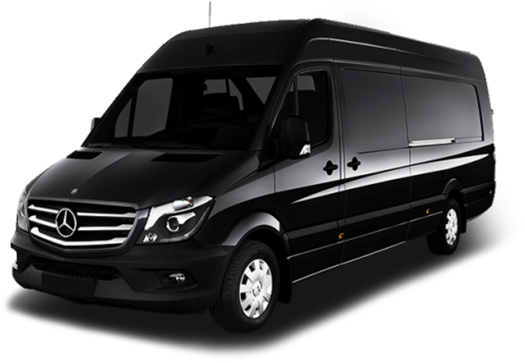
- Free to install; you pay only for trips, such as a 20-passenger party bus from $3,150 for 5 hours.
How do I install it on iPhone or iPad?
- Open blacksprinters.com in Safari.
- Tap the Share button.
- Scroll and tap Add to Home Screen, then Add.
The BlackSprinters.com icon now sits with your other apps. Apple explains the same steps in its iPhone user guide.
How do I install it on Android?
- Open blacksprinters.com in Chrome.
- Tap Install if the browser offers it, or open the three-dot menu and choose Install app or Add to Home screen.
- Confirm. The app appears in your app drawer.
Windows, Mac and Chromebook
In Chrome or Microsoft Edge, click the install icon at the right of the address bar, or open the browser menu and choose the install option. The site then opens in its own window and can be pinned to the taskbar or dock. On a Mac using Safari, choose File, then Add to Dock.
What works offline, and what doesn't?
| Feature | Online | Offline |
|---|---|---|
| Pages you have already opened, such as your city or airport guide | Yes | Yes, the saved copy |
| Rate table and FAQ | Yes | Yes, if opened before |
| The booker and live prices | Yes | No, needs a connection |
| WhatsApp dispatch | Yes | Messages send once you reconnect |
| Travel Desk searches | Yes | No |
Tip: before you fly, open the pages you will need on arrival, such as your airport transfer guide, so they are on your phone if the terminal Wi-Fi is slow.
Why a web app rather than an app store download?
A web app is the website itself, installed. It takes very little space, updates whenever the site updates, and needs no account, so a planner can share it with a group in one link. It is built on the open standard described on web.dev. Remove it like any other app: press and hold the icon, or choose uninstall from the app window's menu on a computer.
Using the app on trip day
Keep it on the home screen of the lead passenger and one backup person. On the day it gives you the booking page, WhatsApp dispatch 24/7, the Privé protocol if you need it, and the BookingWorldwide.net Travel Desk for flights and hotels. The ride is booked in the BlackSprinters.com booker, which shows the exact price before you confirm; larger events start with a group quote.
Frequently asked questions
Is the BlackSprinters.com app free?
Yes. The web app is free to install and use, with no account required. You pay only for the trips you book, and the booker shows the exact total for your date, addresses and vehicle before you confirm.
Do I need the App Store or Google Play?
No. BlackSprinters.com is a web app. It installs from the browser: Safari's Add to Home Screen on iPhone and iPad, Chrome's Install app on Android, and the install icon in Chrome or Edge on Windows, Mac and Chromebook.
Does the app work offline?
Pages you have already opened, such as the rate table, the FAQ or a city guide, are saved and open without signal. The booker, live prices and Travel Desk searches need a connection, and WhatsApp messages send once you reconnect.
Can I book a party bus from the app?
Yes. The app opens the same BlackSprinters.com booker as the website. Choose Hourly/As Directed for a night out; a 20-passenger party bus is from $3,150 for 5 hours, and the exact total is shown before you confirm.
Will the app send me notifications?
The web app does not need notification access. Booking confirmations arrive from the booker and from dispatch, and trip-day updates come through WhatsApp dispatch, which is available 24/7.
How do I uninstall the app?
On a phone, press and hold the BlackSprinters.com icon and remove it like any other app. On a computer, open the app window, open its menu and choose uninstall. Your bookings are unaffected because they live in the booker.